Jump to content
View in the app

A better way to browse. Learn more.

BSK Display

A full-screen app on your home screen with push notifications, badges and more.

To install this app on iOS and iPadOS
  1. Tap the Share icon in Safari
  2. Scroll the menu and tap Add to Home Screen.
  3. Tap Add in the top-right corner.
To install this app on Android
  1. Tap the 3-dot menu (⋮) in the top-right corner of the browser.
  2. Tap Add to Home screen or Install app.
  3. Confirm by tapping Install.

Launch Control Pro 1.9.2

10.00 EUR

(0 reviews)

2 Screenshots

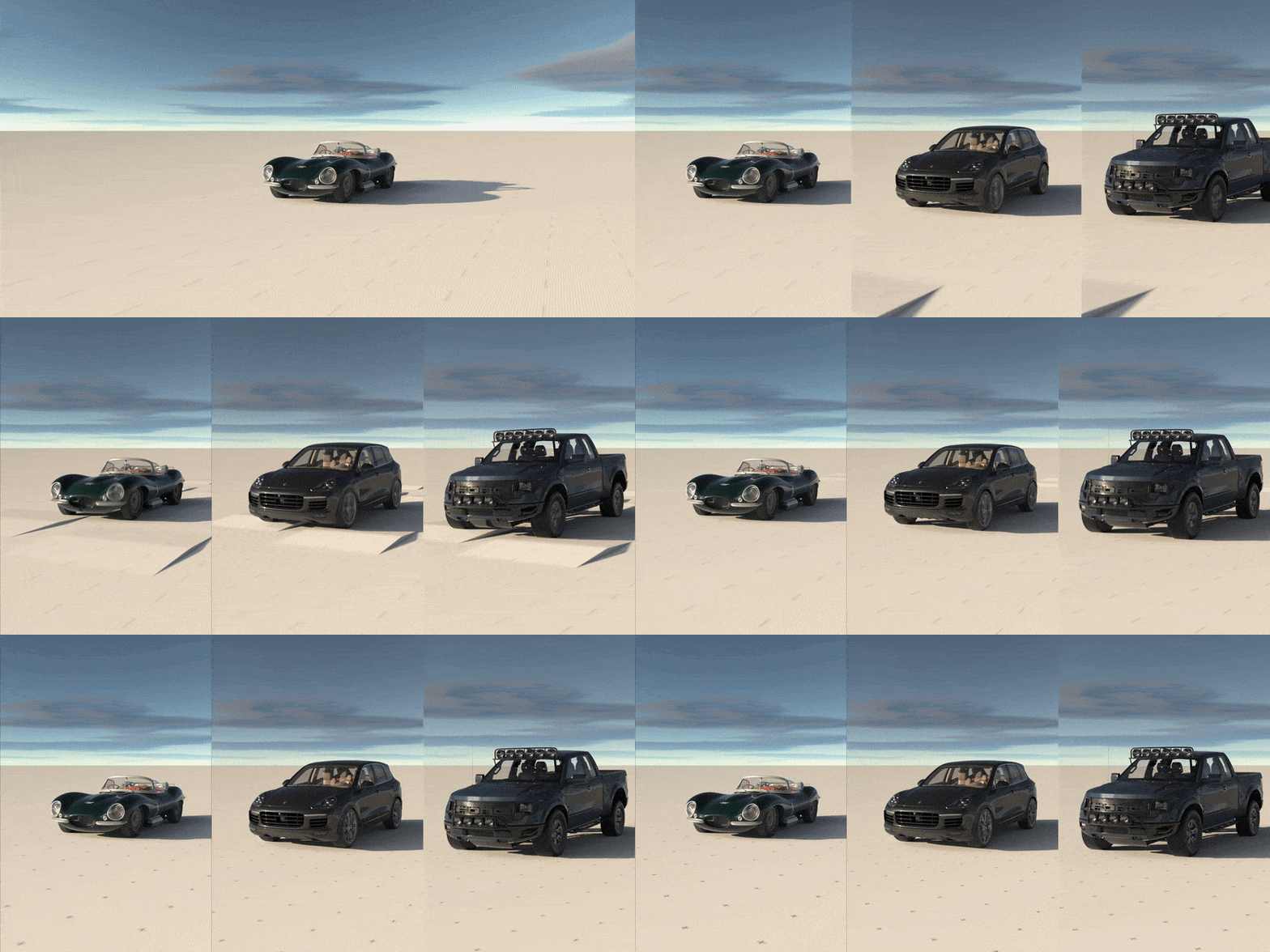
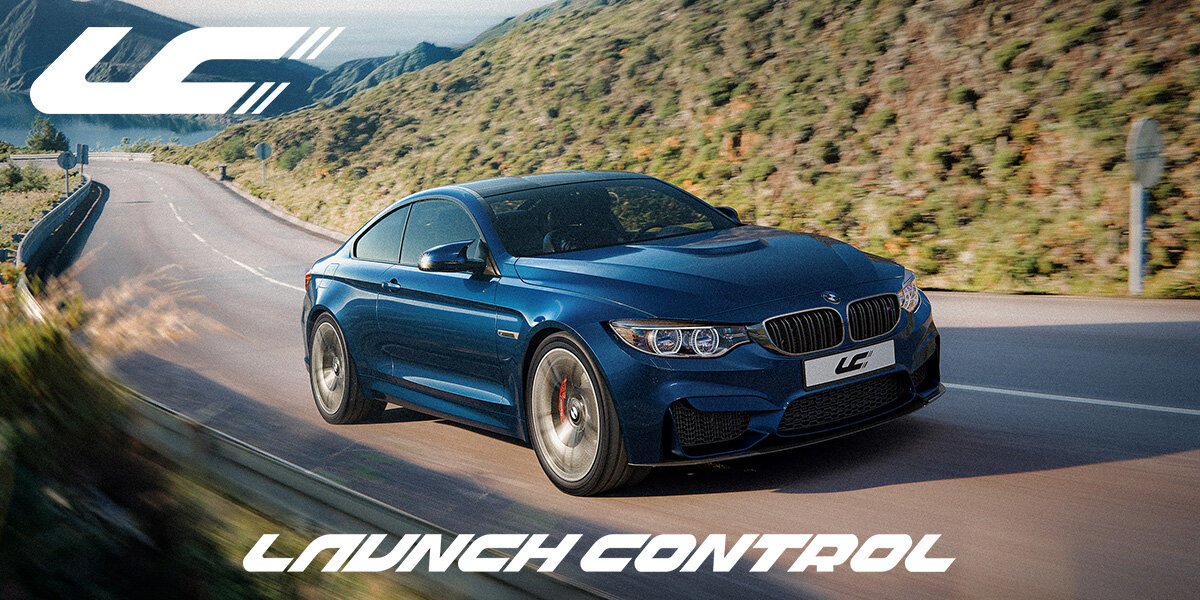
Launch Control 1.9.2 Pro est un add-on avancé pour Blender, spécialement conçu pour simplifier le rigging et l'animation de véhicules à quatre roues. Il offre des fonctionnalités telles que le rigging automatique, des animations basées sur la physique en temps réel, des préréglages d'animation, un système de suspension réaliste, des phares HDR, des marques de dérapage, un générateur de sauts avec physique balistique, et une exportation en un clic vers Unreal Engine.

Idéal pour les artistes 3D, les studios et les créateurs de contenu dans le secteur automobile, cet outil optimise le workflow et permet de créer des animations de véhicules réalistes et dynamiques.

User Feedback

There are no reviews to display.

Important Information

See our Terms of Use, Privacy Policy and Guidelines for more information.

Account

Navigation

Search

Configure browser push notifications

Chrome (Android)
  1. Tap the lock icon next to the address bar.
  2. Tap Permissions → Notifications.
  3. Adjust your preference.
Chrome (Desktop)
  1. Click the padlock icon in the address bar.
  2. Select Site settings.
  3. Find Notifications and adjust your preference.