Jump to content
View in the app

A better way to browse. Learn more.

BSK Display

A full-screen app on your home screen with push notifications, badges and more.

To install this app on iOS and iPadOS
  1. Tap the Share icon in Safari
  2. Scroll the menu and tap Add to Home Screen.
  3. Tap Add in the top-right corner.
To install this app on Android
  1. Tap the 3-dot menu (⋮) in the top-right corner of the browser.
  2. Tap Add to Home screen or Install app.
  3. Confirm by tapping Install.
  • Closed Club
  • 6 members
  • Rules
  • Free

Closed Club

This is a closed club, some content may be hidden to non members.

About This Club

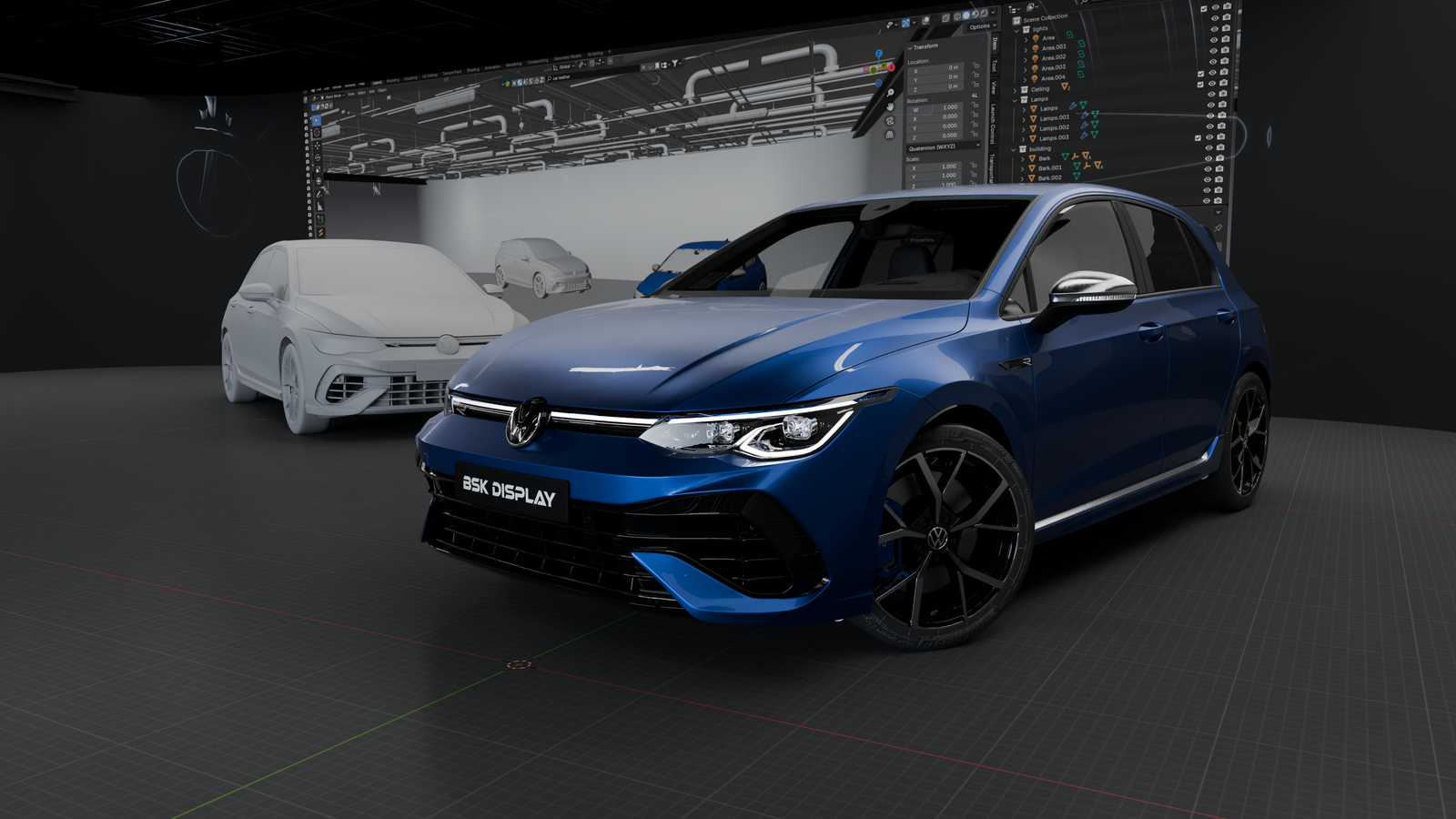
Bienvenue sur le forum exclusif dédié aux participants de la formation 3D Automobile ! Cet espace vous permet d’échanger avec d’autres apprenants, poser vos questions, partager vos créations et obtenir des conseils pour progresser efficacement. 🚀

Important Information

See our Terms of Use, Privacy Policy and Guidelines for more information.

Account

Navigation

Search

Configure browser push notifications

Chrome (Android)
  1. Tap the lock icon next to the address bar.
  2. Tap Permissions → Notifications.
  3. Adjust your preference.
Chrome (Desktop)
  1. Click the padlock icon in the address bar.
  2. Select Site settings.
  3. Find Notifications and adjust your preference.